ScaleMyPlate
Weigh it. Log it. Done — the scale does the part every other calorie app makes you guess.
- Platform
- iOS + Android (Expo, New Architecture)
- Role
- Full-stack mobile developer, solo
- Type
- Companion app for an IoT smart scale
- Timeline
- Jan – May 2026
- Status
- v1.1.0 · active development
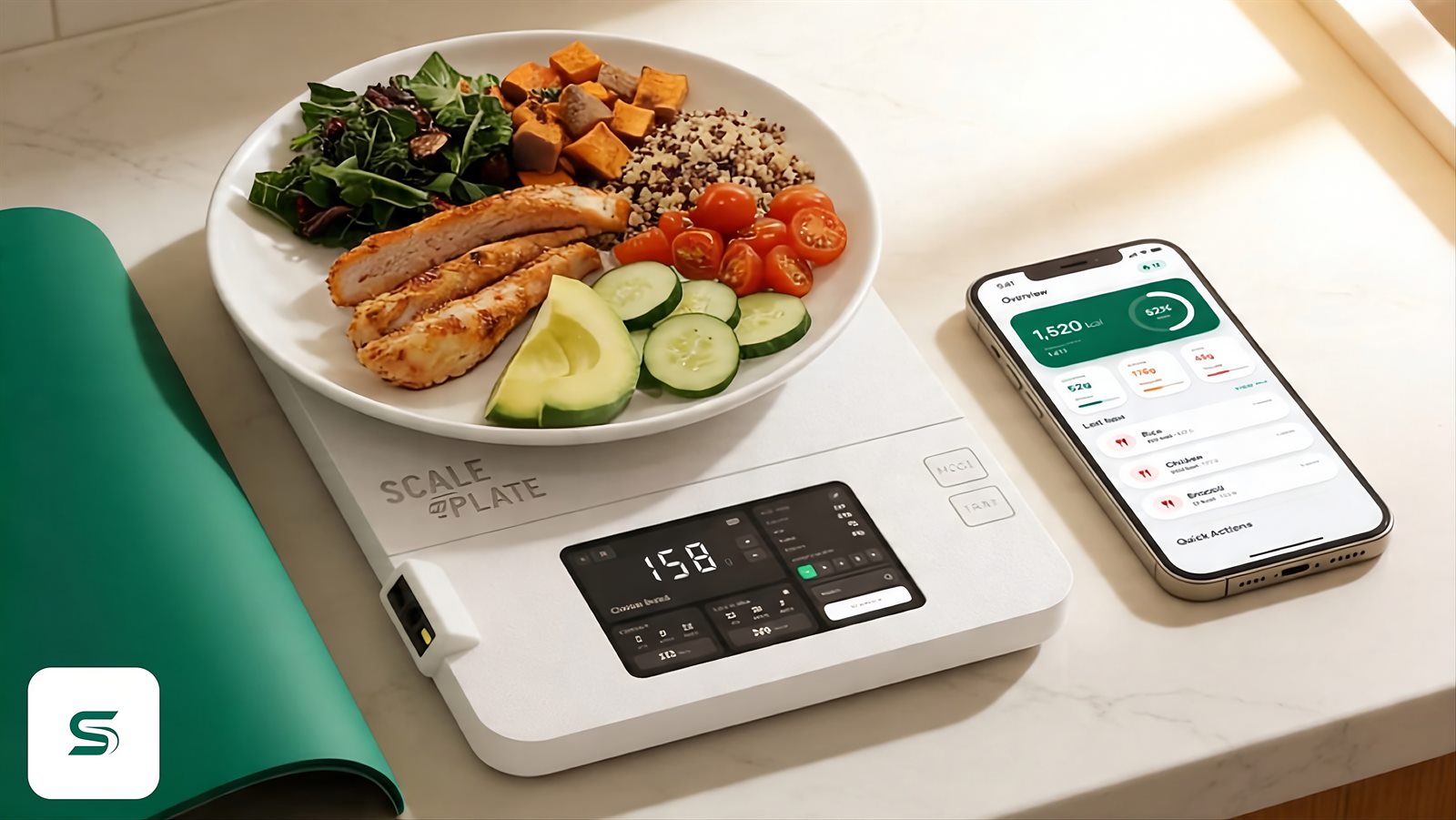
ScaleMyPlate is a cross-platform mobile app built with React Native and a Supabase backend that acts as the companion app for an IoT smart kitchen scale.
Most calorie-tracking apps make the user do the hard part: guessing portion sizes. ScaleMyPlate removes that step. The physical scale weighs the food, identifies it through a USDA food database lookup or a product barcode, and pushes the meal straight into the cloud — where the app picks it up. The user gets accurate calories, protein, carbs and fat without typing a thing, and can still log manually when the scale is not around.
The app covers the full product surface: email and social authentication, guided onboarding, a QR-code flow to pair a phone with a physical scale, a daily nutrition dashboard, manual food entry, meal history with per-food editing, goal setting with weekly analytics, streak tracking, light and dark theming, and account management including a full cascading account deletion.
On the backend I designed the PostgreSQL schema and built 14 Supabase Edge Functions that serve as a documented REST API — consumed both by the mobile app and directly by the IoT device firmware. Postgres triggers keep meal totals, daily summaries and streaks consistent automatically, so the nutrition maths never has to be duplicated between the device and the app. Every user-owned table is protected by Row Level Security.
Key features
Automatic logging
- The IoT scale submits weighed meals straight to the cloud API
- QR-code device pairing links a phone to a physical scale
- Barcode scanning looks up packaged products via OpenFoodFacts
- Full-text USDA food search, ranked by popularity so common foods surface first
Manual logging & history
- Add any food by serving size and actual consumed weight, with nutrition auto-scaled to the amount eaten
- Daily dashboard: calories-remaining ring, macro breakdown, last meal, quick actions
- Browse any past date, expand meals, and edit or delete individual food items
- Totals recalculate automatically on every change
Goals & progress
- Set calorie, protein, carb and fat targets
- Weekly breakdowns — this week, last week, two weeks ago — with totals and daily averages
- Current and longest logging streaks, maintained by database triggers
App & account
- Hand-built light and dark themes on a shared colour token system
- Custom SVG tab icons — no UI kit
- Password reset, personal details and notification preferences
- Full cascading account deletion
Database design
- Nine core tables, every one under Row Level Security
- Auto-provisioning triggers create a profile, default goals and a streak row on signup
- A trigger chain recalculates meal totals, then the daily summary, then the streak on every food-item write
- Device pairing enforces a maximum of two profiles per scale with automatic slot assignment
- Food search uses a GIN full-text index plus a click-popularity counter for ranking
REST API surface
- Food database — /barcode-lookup, /food-search, /food-click
- IoT meals — /iot-meal
- Profile — /profile-data, /food-item-edit, /food-item-delete, /goals-update, /device-user-create, /device-user-delete
- Device & account — /device-register, /device-update, /link-account, /account-delete
The hard parts
The problems that shaped the architecture, and how each one was solved.
Keeping two clients in sync
The scale and the app can both modify the same meal. Rather than duplicating nutrition maths in firmware and in the app, every derived value — meal totals, daily summaries, streaks — lives in Postgres triggers. One source of truth, and both clients stay correct for free.
Designing an API for hardware
The IoT device has no user session and limited memory, so /profile-data returns goals, streak, history and the current day’s meals in a single round trip instead of forcing the firmware to make five separate calls.
Portion accuracy
Nutrition is stored per reference serving and scaled by the actual weighed amount, so a 150 g portion of a food listed per 100 g is computed exactly. That is the whole reason the scale exists, so it had to be right.
A hand-built design system
No UI kit: custom SVG tab icons, a shared colour token system, and a complete light and dark theme implemented across roughly 9,000 lines of screen code.
Built with
Mobile
Native & UI
Backend
Data sources
Delivery
Inside the app
Tap any screenshot to open it full size.

Ready to bring your
idea to life?
Let's discuss your project and build something exceptional together. Get in touch via Fiverr or send me a message.